Phone storage cleanup
Find clutter and keep your device easier to manage with a clear cleanup flow.
Max Cleaner helps you organize photos, reduce clutter, and review unwanted Gmail messages before moving selected emails to Trash.
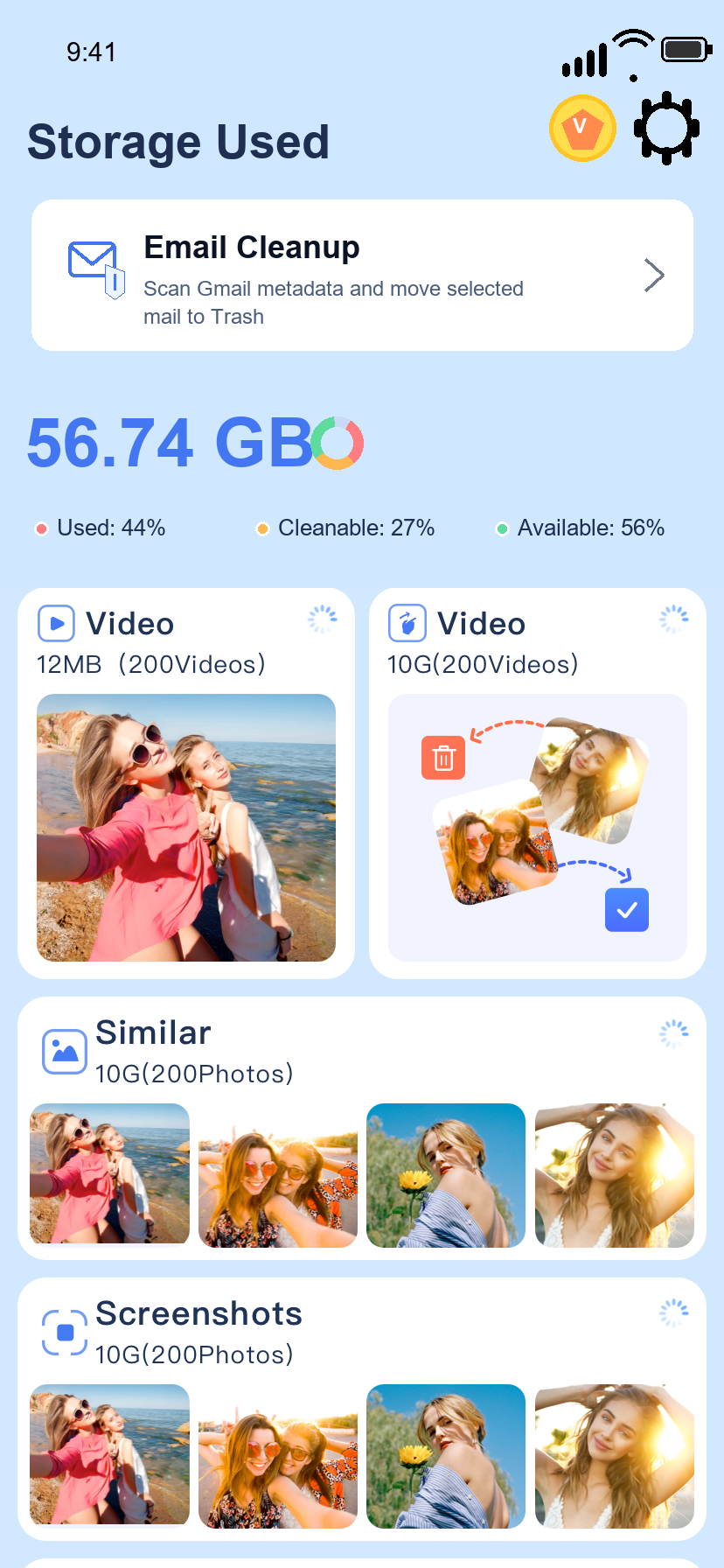
Max Cleaner focuses on simple, visible actions: review, choose, clean, and stay in control of your data.
Find clutter and keep your device easier to manage with a clear cleanup flow.
Connect Gmail only when you choose, scan messages, and review selected emails before cleanup.
Selected Gmail messages are moved to Trash instead of being permanently deleted by default.
Four practical tools help users review clutter, understand what will be removed, and confirm each cleanup action.
See storage usage, cleanable items, similar photos, screenshots, blurry images, and videos from one clear dashboard.
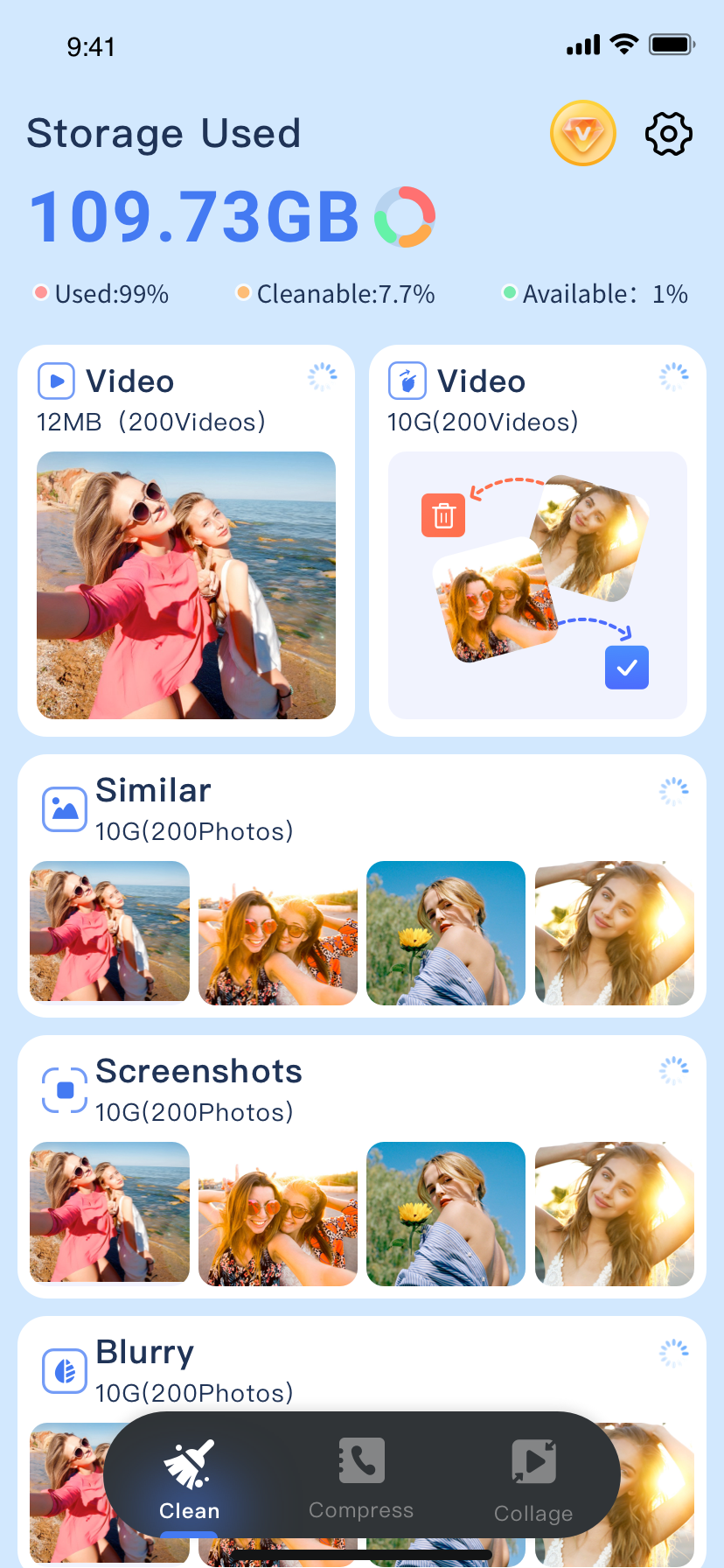
Connect Gmail only when needed, scan email metadata, review selected messages, move unwanted emails to Trash, and disconnect the account anytime.
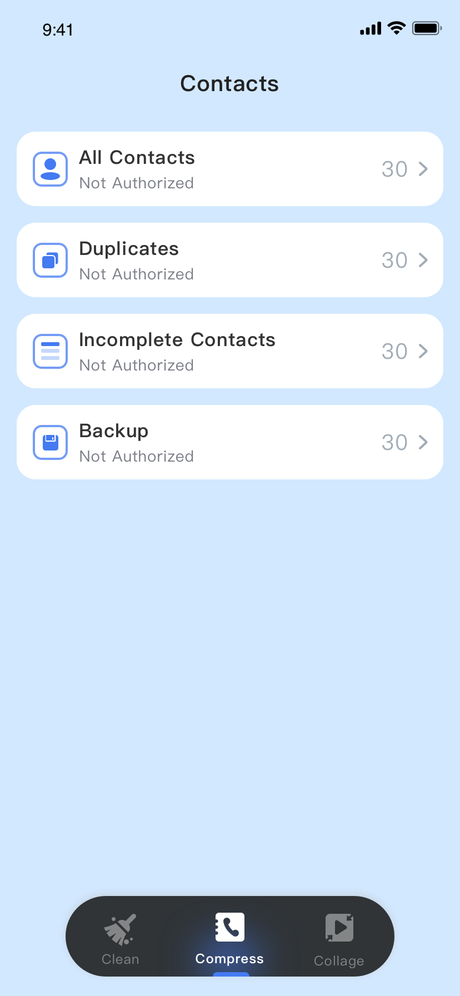
Review all contacts, duplicates, incomplete contacts, and backups before taking action.
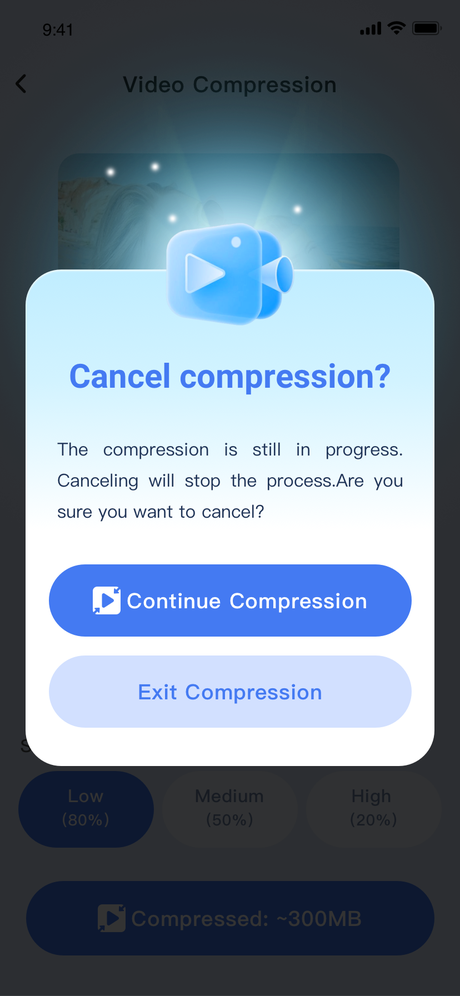
Compress oversized videos with visible settings and user-confirmed actions, helping free space without guesswork.
Max Cleaner uses Gmail access only to provide the email cleanup feature after you connect your account.